Killer Darts for venues
How to run a Killer Darts night at your pub
Start with a format your staff can explain and a setup you have rehearsed. Give the host time to learn the controls before inviting the room to play.
Prepare the venue
- Check the dartboard, safe throwing area, lighting, host device, internet and TV browser.
- Request a Darts venue trial through Host HQ, then confirm that your account has Darts access.
- Rehearse with a few example players. Pair the TV, record a hit and a miss, undo a mistake and finish a game.
Choose and explain the format
Quick is a straightforward first rehearsal because everyone starts as a Killer. Classic adds the activation step. Tell players the starting lives, activation marks if relevant and missed-visit setting before starting.
The host records the darts. Keep the throwing order and assigned numbers visible, and agree how players will alert the host to a correction.
Promote a specific event
Give people the venue, date, time, booking details and a short explanation of Killer. Use your own event booking or contact link. The software trial link is for venues choosing HostMyDarts, rather than players booking your event.
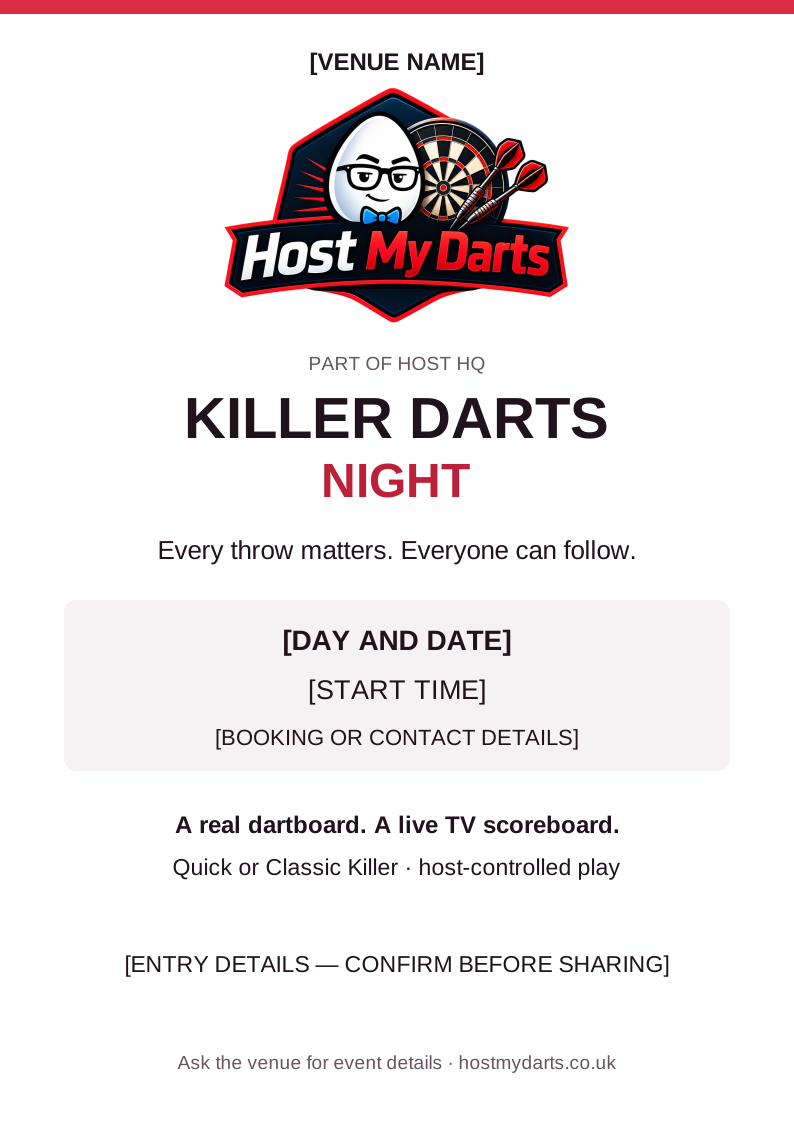
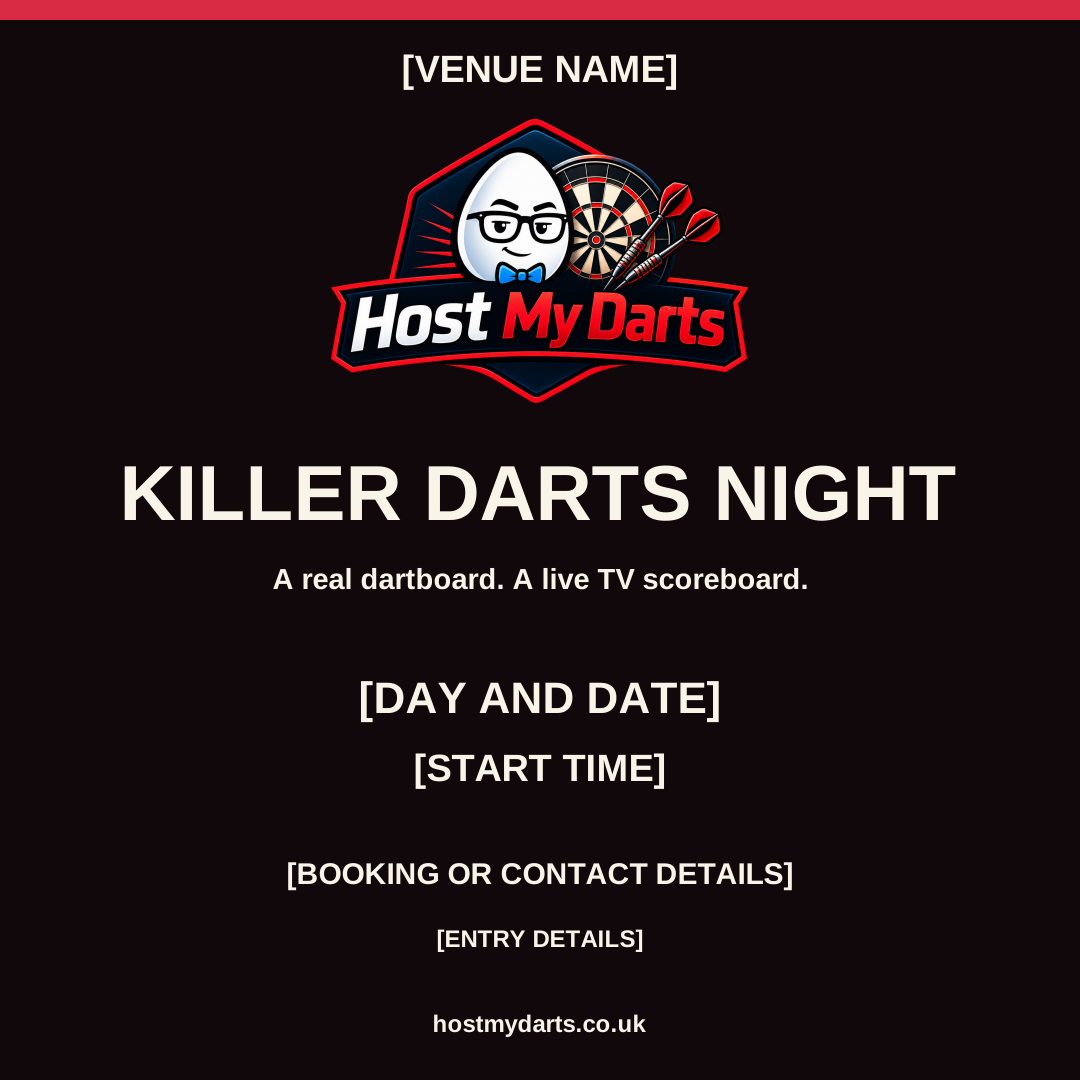
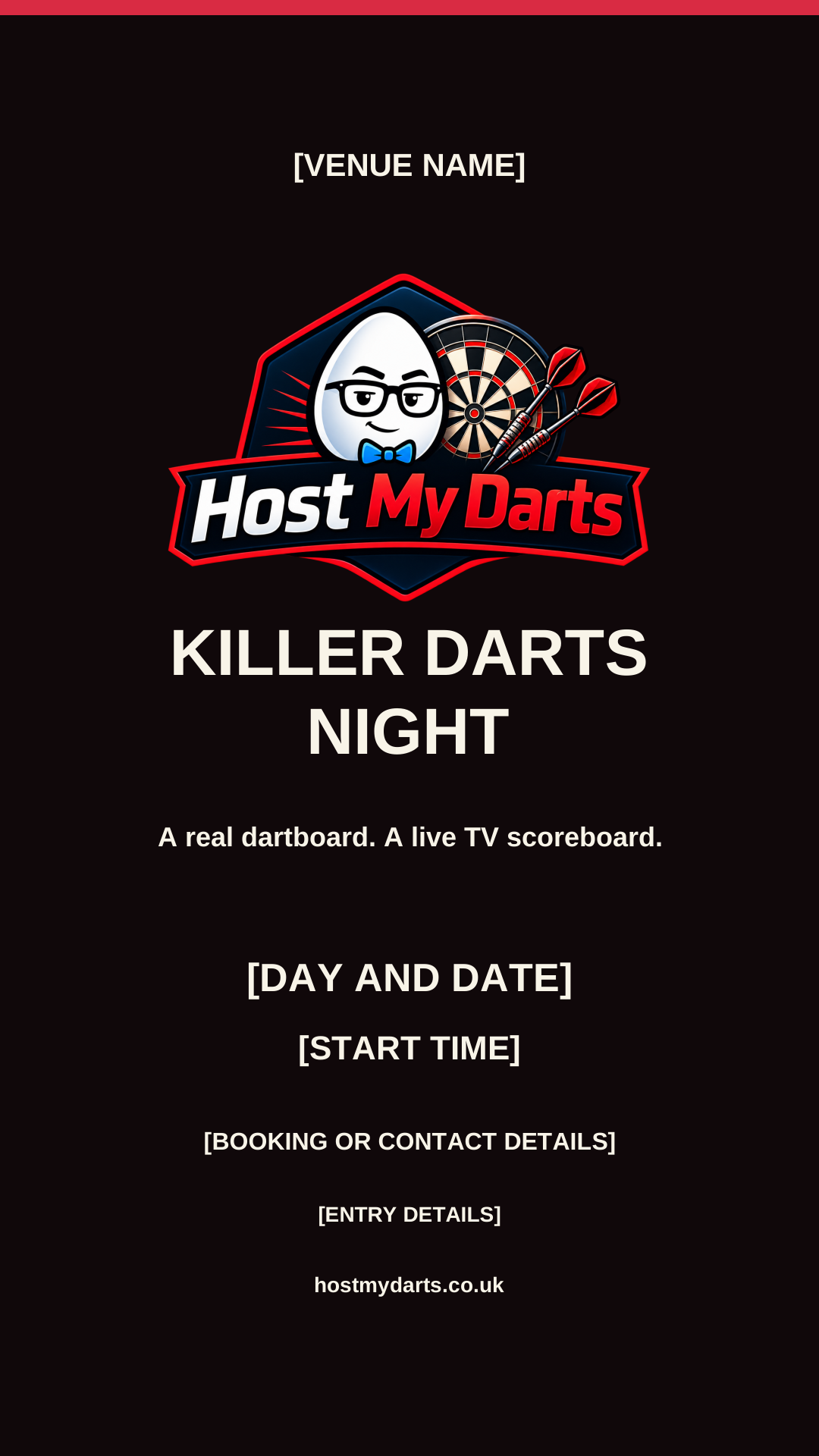
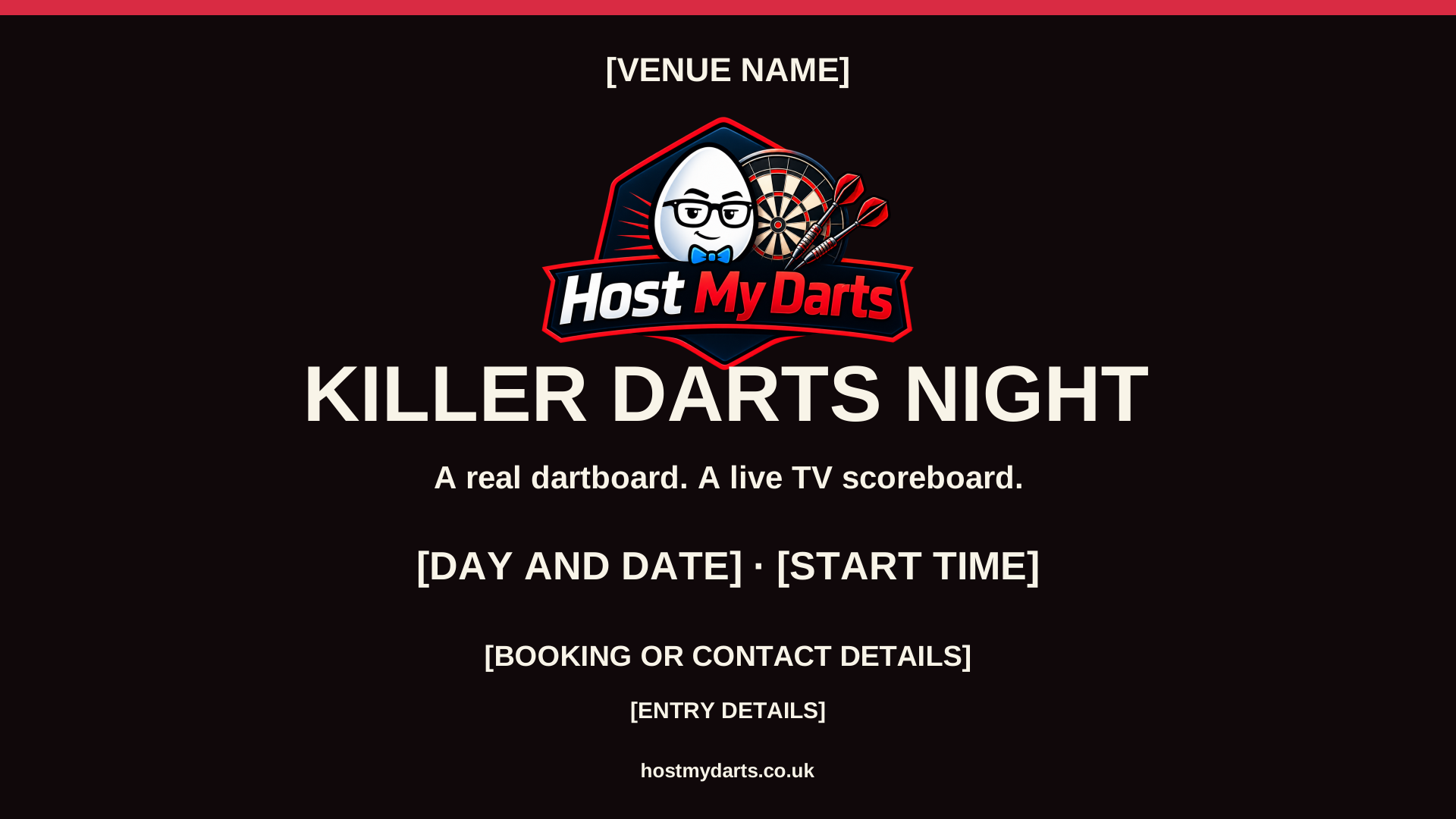
Download the editable event poster and announcement templates below. Replace the bracketed fields and confirm every detail before posting or printing.
Run the night and learn from it
- Add the players and numbers, save the rules, then start when both host and TV are ready.
- Use undo and life corrections if needed. Keep the screen visible and check that it agrees with the host.
- For another game, reuse the roster and pair the new code. For a later event, confirm the next date and collect practical feedback from staff and players.
Your venue event kit
Editable templates for your own event. Replace the venue, date, time, booking and entry details before sharing. Open the SVG files in your design editor and export a PNG or JPEG for social posting.
Reviewed 4 October 2026 · HostMyDarts by Host HQ